Prerequisites
Phonemos does Integrate with your AI platform (Copilot, ChatGPT, Gemini, Mistral, ...) of choice. You choose what LLM provider and provide us with your subscription, we will connect Phonemos to it.
Open AI agent chat
Open the AI chat using the AI chat toggle on the top menu bar.
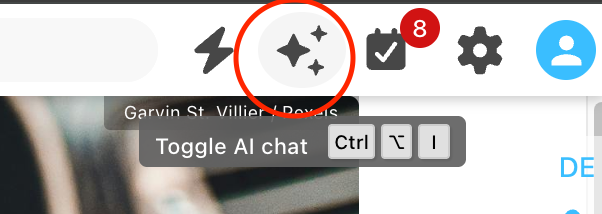
This will display a new AI agent sidebar on the right side of the window.
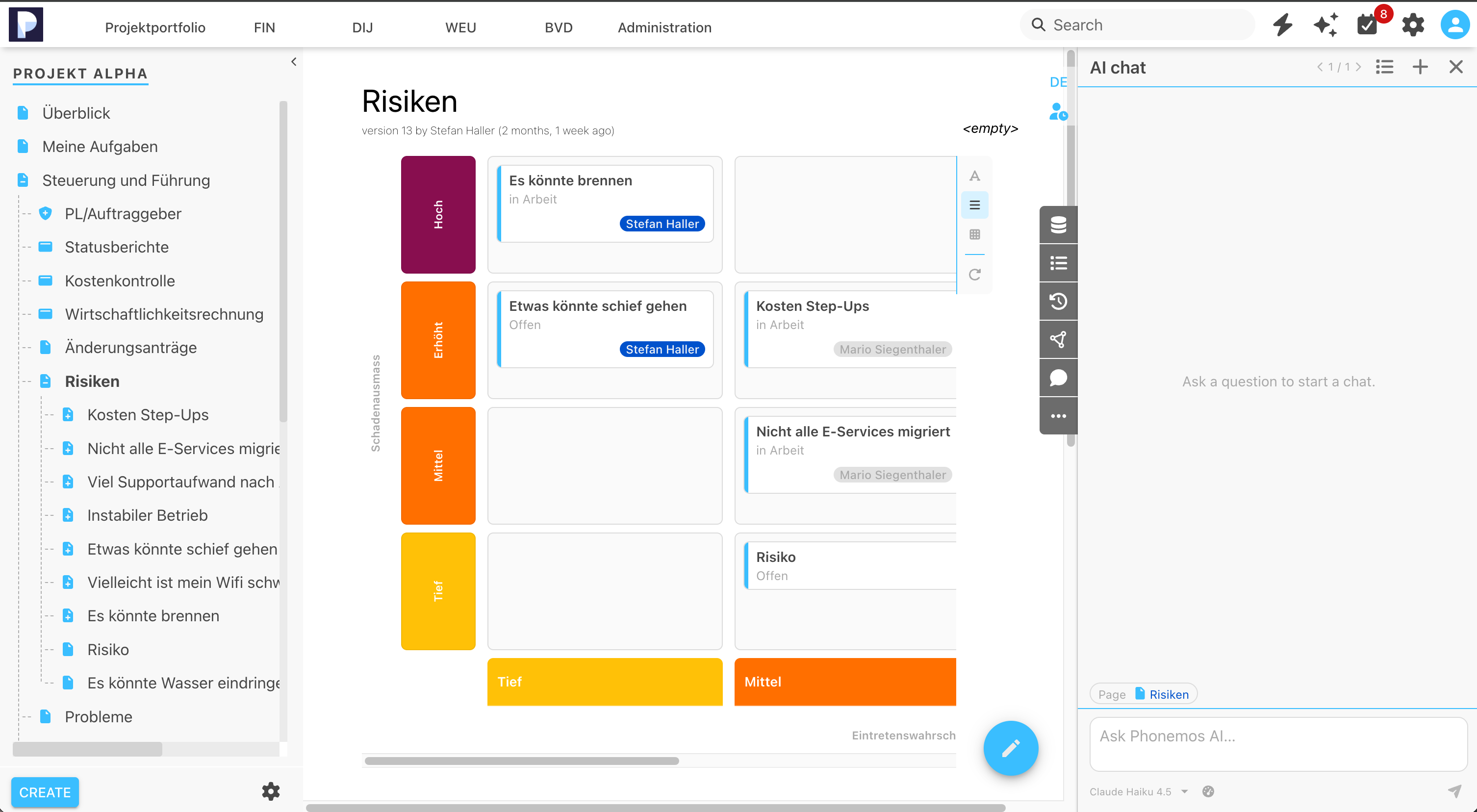
Choosing model
If you have multiple subscriptions or models connected, you may choose between them using the selector at the very bottom of the chat window.
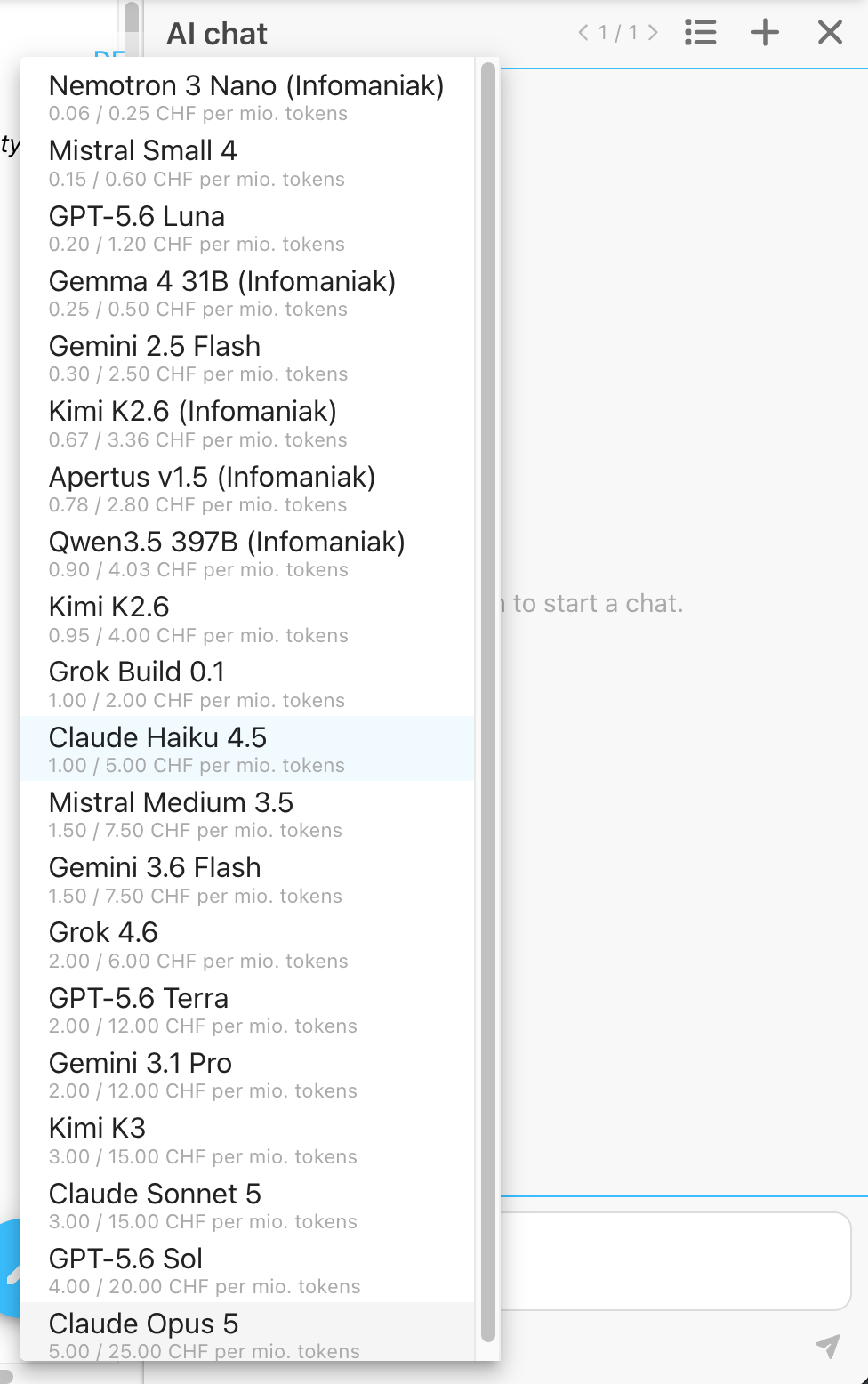
Alongside the model, you can see the estimated price tag of the provider.
Please note that the model is provided by the third party of your choice and subject to change. Price information is provided on a best effort basis so that users may choose the appropriate model for the task at hand.
Prompting the agent
Enter your prompt to interact with the agent.
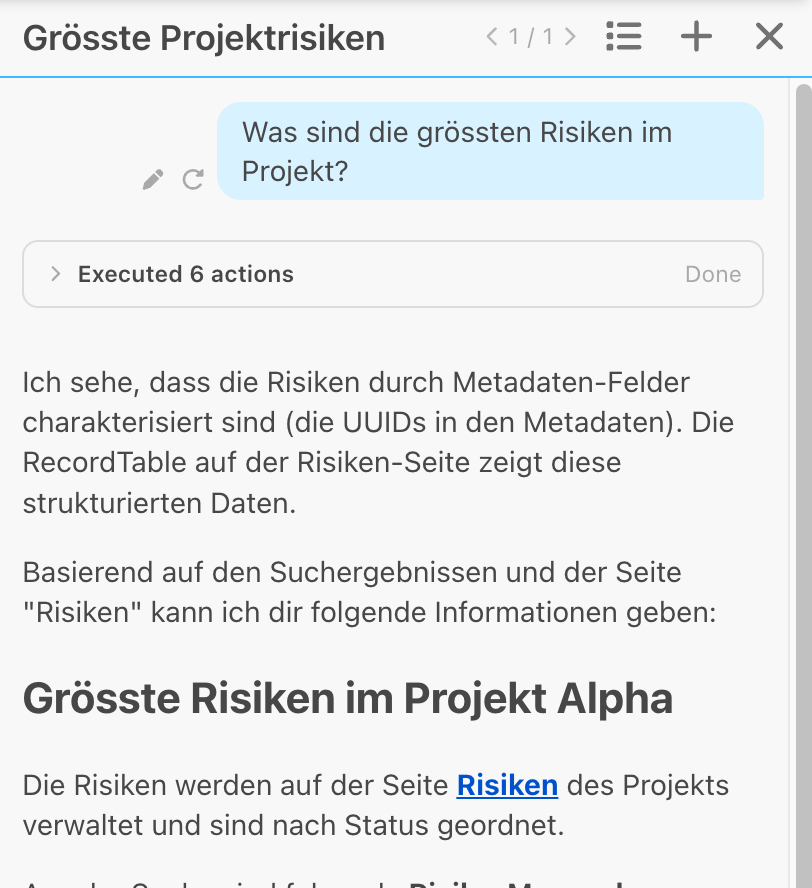
What features can the built-in agent use
The AI agent acts with the permissions of the logged in user and has only access to information the user has as well.
The AI agent’s context includes the page the user is currently on.
All tools provided by the Phonemos MCP Server can be used by the agent, including search, read or edit.